
Montgomery County Court Calendars Explained
Indiana Administrative Rule 9 sets the floor for public daily calendars and dockets. Each entry must show the case number, caption, date, time, and location, unless confidentiality rules say otherwise. A Montgomery County setting can surface in several ways. It may appear through a MyCase CCS event. It may also come from the Doxpop hearing search, a court order, or courthouse and Clerk information. None of these routes proves a hearing happened. They only show what is scheduled.
Montgomery County runs three trial courts: Circuit Court, Superior Court 1, and Superior Court 2. The county service index links court-calendar information to a Doxpop partner route. No court publishes on a fixed refresh schedule or in one uniform way. If a hearing is close or has changed, act. Confirm the docket entry with the assigned court.
Five Montgomery Calendar Identifiers
Administrative Rule 9 sets the minimum public calendar model. The case number ties each event to one Odyssey record, and the caption names the matter without ever replacing the number. Date and time tell you when the setting is scheduled; location tells you where. Confidentiality rules can still limit what the docket displays.
- Setting
- A scheduled event. It does not show that the event occurred.
- Continued
- The event was moved or postponed by an order.
- Cancelled
- The listed event was removed, but the CCS should be checked for a new date or order.
- Entered
- The court placed an order in the case record after judicial action.
Note: Match all five calendar identifiers before relying on a Montgomery court date. This matters most when two cases carry similar captions.
Finding Your Court Date
Start with the full Odyssey case number. A Montgomery format looks like 54D02-2608-IF-000123. No number in hand? Search MyCase by party name, then narrow the results by Montgomery court, case status, and filing date. Open the matching CCS, find the newest future event, and read forward for any reset or cancellation.
- Search MyCase by case number or name, or use the Doxpop hearing widget with Montgomery selected as the Search Region.
- Match the case number, caption, court, and case type. Choose the newest future event, not the first date in the history.
- Check the CCS for a later continuance, reset, cancellation, or entered scheduling order.
- Call the Clerk at 765-364-6430 or the assigned court when online sources are unclear. Circuit is 765-364-6450, Superior 1 is 765-364-6447, and Superior 2 is 765-364-6455.
- Visit the Clerk in Room 102 at 100 East Main Street, Crawfordsville, during posted weekday hours if online and phone access do not resolve the issue.
- Check the controlling court order and confirm any remote link with counsel or the assigned court. No public source guarantees that a remote link appears on the calendar.
Doxpop Montgomery Hearing Search
The Doxpop hearing widget is an official-partner discovery route. Its Search By control lets you look by Case Party, Case Number, or Attorney, and you can narrow the Search Region to Montgomery. A Super Search option is also available. Doxpop is handy when a county service page does not display a standalone daily calendar and you need to find an open case or hearing.
| Field | Use | Montgomery Check |
|---|---|---|
| Search By | Choose party, case number, or attorney. | Prefer the exact Odyssey number when known. |
| Search text | Enter the name or number for the chosen mode. | Compare the returned court and caption. |
| Search Region | Select the Indiana county. | Choose Montgomery rather than All Counties. |
| Super Search | Broadens the partner search behavior. | Use carefully, then verify the result in MyCase or with the court. |
The official-partner widget shows the calendar search path used for Montgomery hearing discovery.

Doxpop is not the Clerk's certified record. Its data may reach back to January 1990, and some functions or images may have fees.
How to Read a Court Setting
Read a Montgomery setting line as a group. The court label tells you which office can confirm it. The date and time show when the event is scheduled. They do not show when the entry was first made. A location may be a courtroom or a remote spot named in an order. The setting type signals what the court plans to address. It is not a final result.
| Case and Caption | The Odyssey case number and public case name connect the event to the correct docket. |
|---|---|
| Date and Time | The scheduled start, subject to a later order, reset, or cancellation. |
| Court and Judge | Circuit, Superior 1, or Superior 2 and the judicial officer identified for the setting. |
| Location | The courthouse room, physical site, or remote location stated in the setting or order. |
| Setting Type | Initial hearing, pretrial, motion, sentencing, trial, review, probate, small claims, or another event. |
| Change Status | Any continuance, cancellation, reset, or remote-appearance note visible in the official source. |
Montgomery Jury Reporting Times
The Montgomery local rules set jury trials to begin at 9:00 a.m. Prospective jurors, attorneys, and litigants report at 8:30 a.m. on the first day. That half-hour gap is why a calendar's event label and an individual's reporting instruction must be read together, since the docket time alone does not tell anyone when to show up.
Use the direct instruction. A jury summons, court order, or notice may give the reporting duty that applies to the person receiving it.
Never swap a general rule for a case-specific order. If a summons and the public calendar disagree, call the assigned court before the date. The court directory lists separate phone numbers for each Montgomery court.
Continuances, Resets, and Cancellations
Montgomery local rules set the standard for a continuance request by a self-represented party. It must be written, prompt, and verified. The usual deadline is at least five days before a court trial or hearing and ten days before a jury trial, excluding weekends and holidays, unless good cause exists. The request should say whether the other side agrees, give the present date and time, and offer an estimated period for rescheduling.
Keep this distinction clear. A request is not a reset. Nothing takes effect without a court order. So keep checking the CCS until that order and any new setting appear. An old date may linger in one source. Compare the entry timestamps and call the court rather than guessing. Do not miss a current setting because another portal still shows the prior one.
Note: The newest entered order controls a Montgomery County court date, not a pending request or an older calendar listing.
Verify Montgomery Calendar Changes
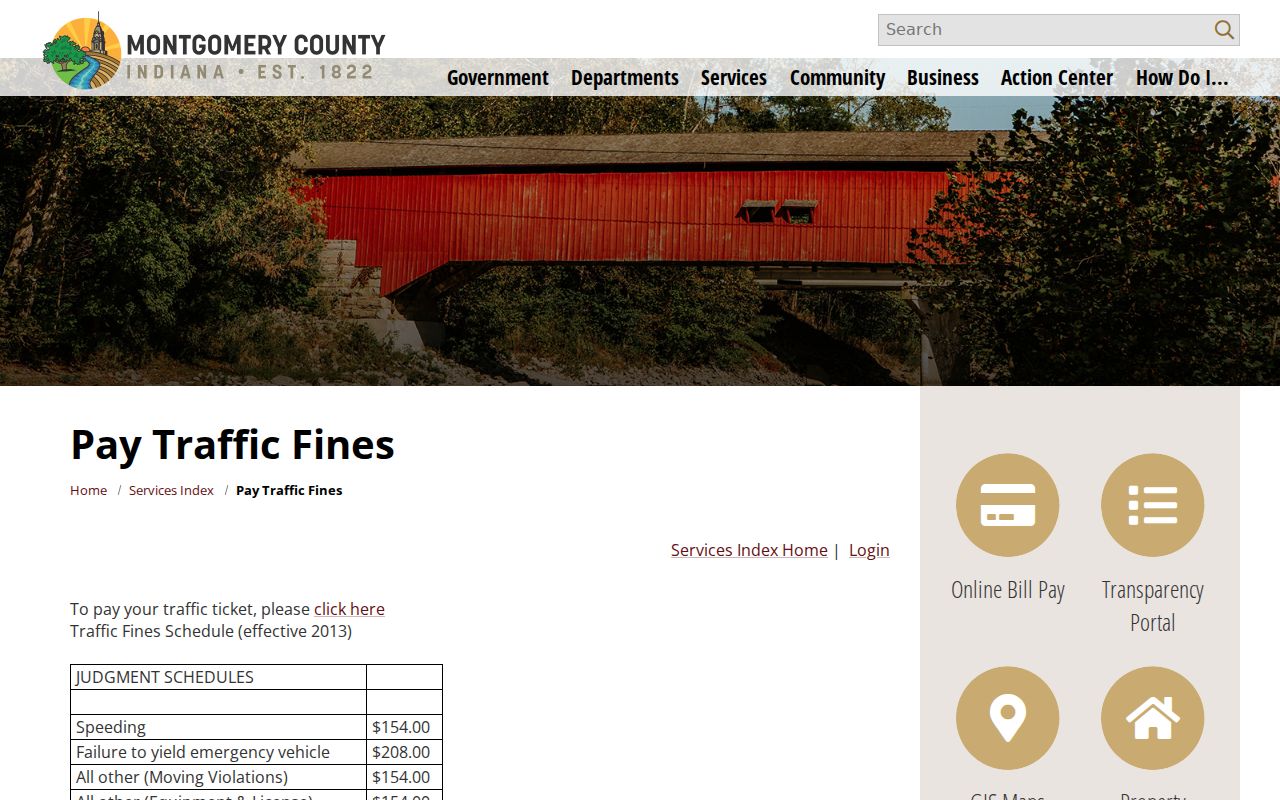
Montgomery publishes no fixed calendar refresh time. After a change, the county calendar service, Doxpop, and MyCase can briefly disagree. A public calendar has another limit. It may omit the remote connection details a specific hearing needs. Lean on the court order first. The assigned court and counsel complete the authority chain. The Montgomery County calendar service listing documents the county's calendar information route.
Government links can move. So record the case number and court before leaving any portal. If the county service link fails, move on to MyCase, the Clerk, or the court line instead of assuming there is no hearing.
Montgomery Settings Are Not Outcomes
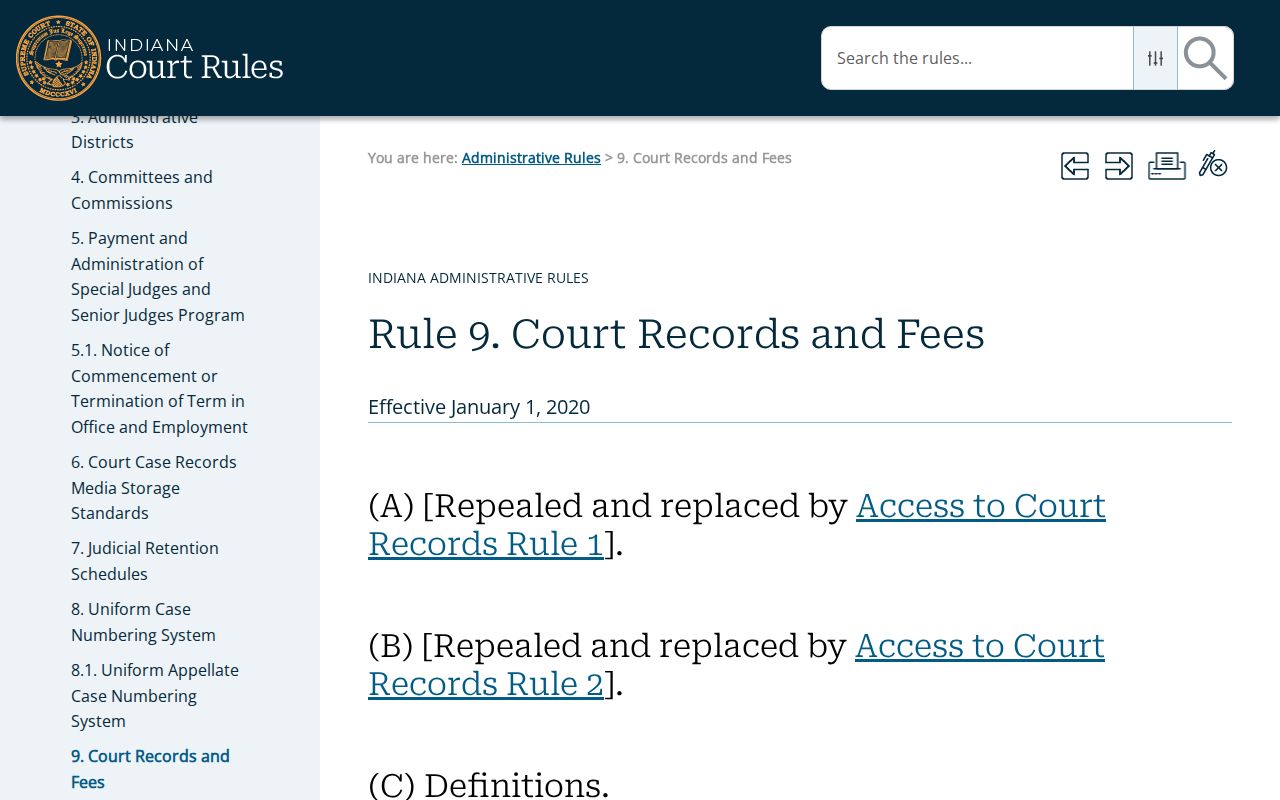
Think of a Montgomery County calendar line as a plan, not a result. It shows that an event was set. It cannot tell you who showed up, what was said, or what the judge decided. Even the outcome stays hidden until an entry lands in the CCS. After the date passes, go back and search. Look for a minute entry, an order, a continuance, a disposition, or a new setting. The official Rule 9 source governs these Montgomery County court dates. It lays out the public-calendar framework.
Need the real result? Ask the Clerk for the certified court record or the full order. The calendar line alone will not carry that weight.
If You Miss a Court Setting
Missed a Montgomery County setting? Move fast. Pull up the CCS and check for an order entered that day or shortly after. Phone the assigned court itself, not a general county office. Read off the complete case number. If you have a lawyer, make that call too. Ask what the docket now shows and what lawful step remains open. Paying a balance, filing an informal note, or simply showing up another day does not undo the missed event.
Missed a setting? A failure to appear can lead to a court order and serious case consequences, depending on the matter.
Contact the assigned Montgomery court or counsel at once, use the full case number, and ask what the current CCS and orders require.
Seek advice from a licensed Indiana attorney about the next lawful step when the missed date may affect rights, bond, or judgment.
Trying a wider search first? The Montgomery County case lookup can point you to the right CCS before you dial.